Mac OS X for Physicists
About Mac OS X
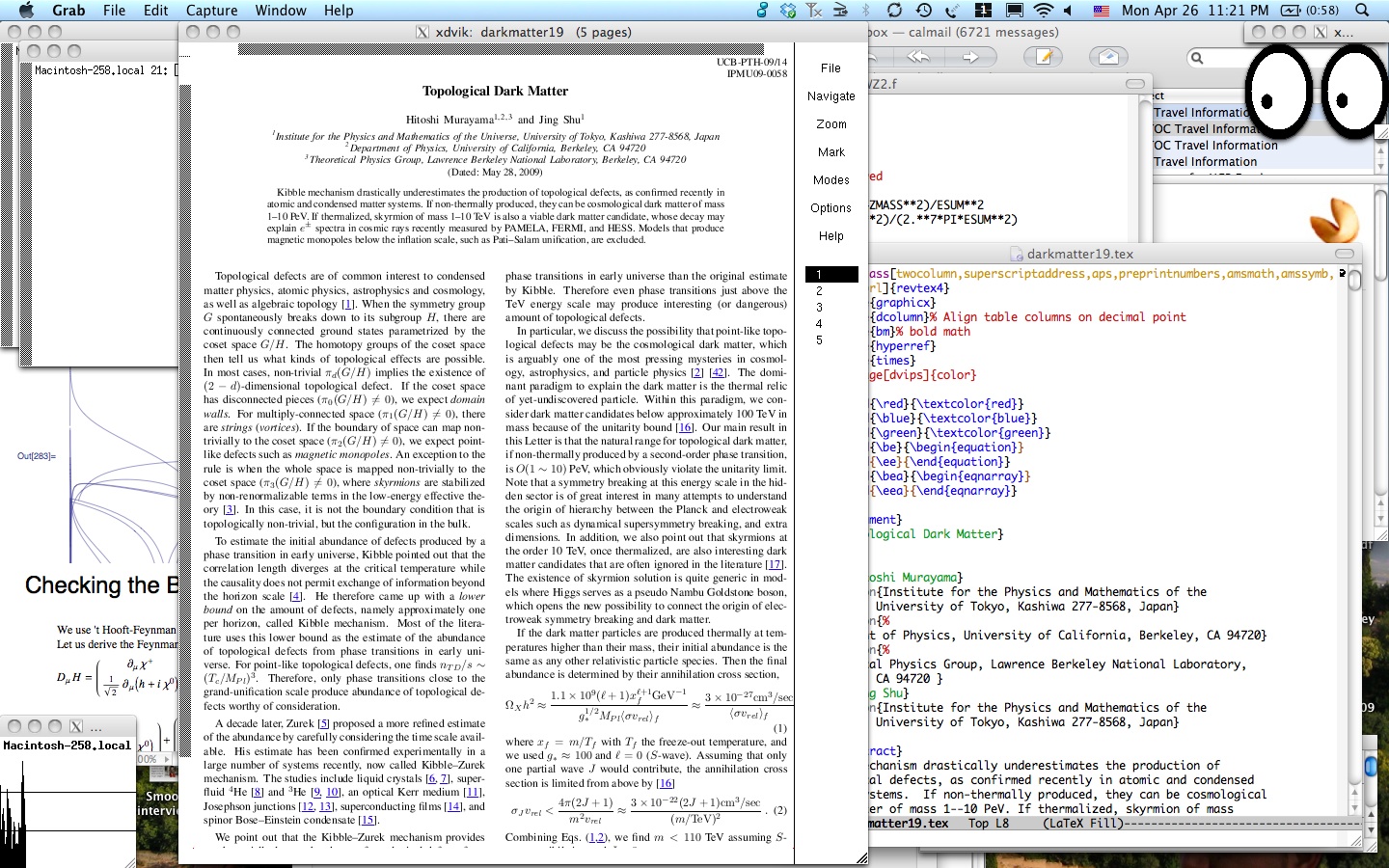
Mac OS X is a powerful
operating system that combines Unix underpinnings familar to particle
physicists and easy-to-use interface of Macintosh. This home page
describes how to set up Mac OS X for the use by particle theorists or
other physicists.
Install OS
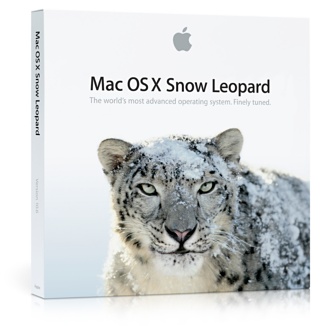
Of course, you must install the operating system first. From the
installer, don't choose "Easy Install" but "Customize" it so that X11
(see below) will be installed.
Once you have installed the system from CD-ROM, go to the Apple Menu
(the Apple logo at the top left corner of the screen) and choose
"Software Update", and keep updating the system until you don't see
any more updates. You can skip some updates, if you are dead sure
that you will never use Arabic on your machine, or you won't use fancy
MP3 player from Apple iPod. But install all of those that are not
obviously useless for you.
Xcode
Apple renamed Developer Tools to Xcode. It is a collection of
compilers, header files, libraries, and software development tools.
You definitely want C compiler so that you can install standard Unix
software. The CDs to install Xcode must have come with your system.
Xcode is also freely available here if you sign up. Its
compiler is a hacked version of gcc to support Objective C. The Xcode
is big, though, weighing more than 800MB. Don't attempt a download
without a broadband.

TeX
We can't live without TeX. MacTeX TeXnical working group of the TeX
Users Group (TUG) created an easy-to-install TeX distribution for for
MacOSX. Go to The MacTeX
Distribution page to download it.
If you in addition would like to have a Mac-like application that
combines the editor and previewer, TeXShop is the way to
go. From this web site, you will find other available TeX
installations as well.

X Windows
Many Unix applications run in X Windows environment. Apple's
implementation of X Windows X11
for Mac OS X uses native graphics engine and is fast. It uses its
own window manager that looks just like the rest of Mac Aqua
interface. It can be installed from the Snow Leopard system DVD. You also
need "X11 for Mac OS X SDK" from the system DVD.

Unix applications
A variant of Unix which Mac OS X is based on is called Darwin. Many Unix
applications had been ported to Mac OS X already. I like using Fink package manager. It
automates the process of downloading the binary package, or
downloading source package, applying a patch, compling, and installing
it. There is an impressive number of applications you can install via
fink. Fink was designed carefully as to not disturb or modify the
system. It can be uninstalled with a single command 'sudo rm -r /sw'
You definitely want f77, imagemagick, ghostscript for X, ispell, xdvi,
and gimp if you want to edit graphics or xv to preview them.
Another source of ported Unix applications is Gnu-Darwin Distribution.
It is not as automatic as fink, but it provides a wide collection of
ported Unix applications. It does require some tinkering with the
system area. Proceed cautiously.
To run commands on a shell, you launch Terminal application from
/Applications/Utilities folder.

Emacs
You can emacs on Terminal already out of the box, or xemacs in X
Windows available via fink.
I'd recommend using Emacs (GNU Emacs, not xemacs) as a separate
application together with auctex. It can be installed via fink as
% fink install emacs23-app
% fink install auctex
To make sure that Emacs.app has the same environmental variables as your shell, install also exec-path-from-shell.el.
Then Emacs.app has built-in support for SOURCE SPECIALS which you enable from
the menu Command → TeXing Options → Source Specials. Then
by doing control-click on the xdvi window, the cursor in Emacs moves
automatically to the corresponding paragraph. Make sure emacsclient from the command line calls /sw/Applications/Emacs.app/Contents/MacOS/bin/emacsclient.
It also has a built-in support for LaTeX-aware formatting, that makes editing LaTeX easier. I'd
also recommend "M-x flyspell-mode" for on-the-fly spell checking. It
requires ispell available through fink.
You can do the same also with xemacs. You set an
environmental variable
XEDITOR="gnuclient -q +%l %f"
in .xinitrc, and run "M-x gnuserv-start" in xemacs. You should set
(progn (setq LaTeX-command-style
      '(("." "latex --src-specials"))));
in ~/.xemacs/init.el to use SOURCE SPECIALS. One annoyance is that
xemacs keeps opening a new window each time you control-click on xdvi.



Web Browsers
Mac OS X comes both with Apple's Safari, a Mac-only fast
browser based on KDE's Konqueror, and with Internet Explorer
preinstalled.
Probably more popular these days is Firefox from
Mozilla. It is highly customizable, but doesn't quite look like a Mac
app.
Another Mac-only browser OmniWeb is
also an excellent alternative that looks just right. It feels
snappier and even better than Safari.
The recent versions of Safari can uncompress gzipped Postscript files,
convert them to PDF, and display them with Preview application
automatically.
High Energy Physics specific tools
Keisuke Fujii, my former collaborator on JLC studies, has ported many
useful HEP-specific tools to Mac OS X, including topdrawer,
cernlib, available here.
Thank you, Fujii-san! Many of them can be installed via fink.
For gfortran for Intel Macs, try this link.
For parton-distribution functions, use this link.
Unix servers
Because Mac OS X is Unix, it can run all kinds of servers. To serve
mail, MailServe
Snow
can turn on SMTP, POP3, and IMAP servers with SSL. To set
up mailing lists, GNU
Mailman is easy and secure. Remote administration is supported
out of the box via VNC. Just go to "Sharing" control panel, and turn
on "Apple Remote Desktop." All you need then is a client, such as Chicken of the
VNC.
Miscellaneous Applications
Fugu is a
graphical sftp client. And the good-'old Fetch now supports sftp. GraphicConverter is a
swiss army knife to deal with and edit various graphic formats.
To back up a disk or to migrate from a small hard disk to a larger
one, I'd recommend SuperDuper!
It is also good for making bootable backups.
To paste equations into PowerPoint or Office, I use tex2im, a nifty shell
script that converts equation in LaTeX to any graphics format. It can
be installed via fink and uses imagemagick. Unfortunately PowerPoint
bitmaps PDF and the result is not scalable. If you choose the size
appropriately it looks fine.
Keynote users need only PDF to paste equations and Feynman diagrams.
LaTeXiT
provides GUI. Keynote uses PDF directly and the result is scalable.
You can also create Feynman diagrams with LaTeXiT; see instructions
by Taku
Yamanaka.
Applications that cost money
- Mathematica from Wolfram
Research can't be missed. MatLab from The MathWorks is also available
for Mac OS X.
- The Office suite from Microsoft is available and
is much better than previous versions of Office. They
finally look like Mac applications!
- For presentations, Apple's Keynote is rapidly
gaining popularity. It allows PDF graphics without losing
scalability, has cool transitions. Steve Jobs himself uses it for
MacWorld keynote addresses famous for the "reality distortion
field." It is a part of iWork package together with
Pages, a combo of a
word processor and a page layout program.
- All important Adobe
applications are there, including Acrobat Reader, Acrobat,
Illustrator, PhotoShop.
- I haven't had much problem finding good applications for
research purposes. People complain that there are still less games
available for Macintosh, that may be a good thing.^_^
Other links
-
murayama at hitoshi.berkeley.edu
- Phone (510) 486 5589, Campus phone (510) 642-1019
- Location Bldg. 50-5056E (LBL), 411 LeConte (Campus)

 Last modified: Mon Apr 26, 2010